If you have ever wondered who made a change to a shift, deleted something or updated some information on an employee profile you can now use the Change History feature to get this information.
The Change History feature allows you to produce a report to show up to 90 Days of account actions. Actions are classified by the chosen search method.
This feature is only available on Premium and Enterprise Subscriptions. It is also restricted to Admins (Account & User Settings Permission is enabled on the User).
Supported Change Actions (17/08/2022)
- Shift Deleted
- Shift Changed
- Attendance Edited
- Attendance Photo Deleted
- Employee Payrate/s Changed
- Employee Deleted
Search methods
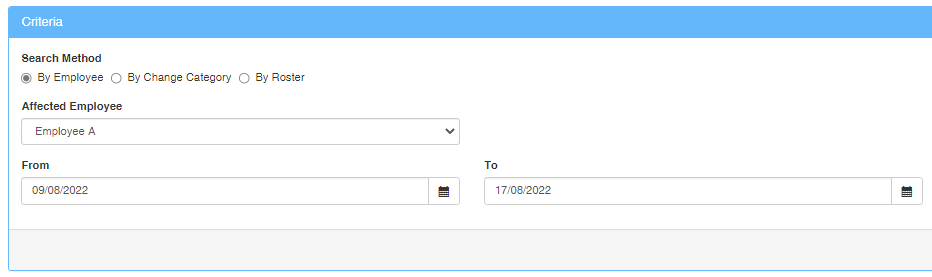
By Employee
This method allows you to select a specific employee and search for any of the supported actions they have performed in the account.
By Change Category
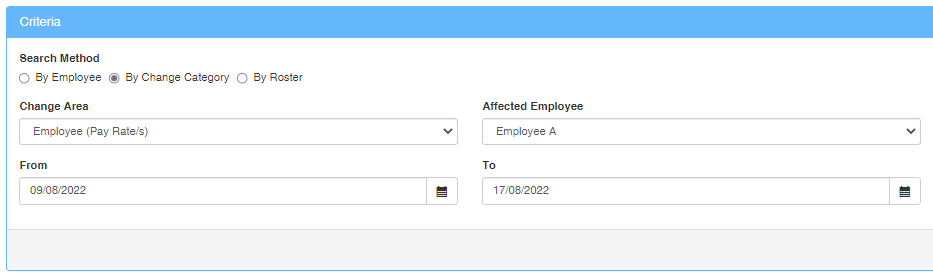
This method allows you to select a specific change area and affected employee. The following Change Areas can be selected:
- Roster Designer (Shift)
- Attendance (Record)
- Attendance (Photos)
- Employee (Pay Rate/s)
- Employee Status (Deleted)
By Roster
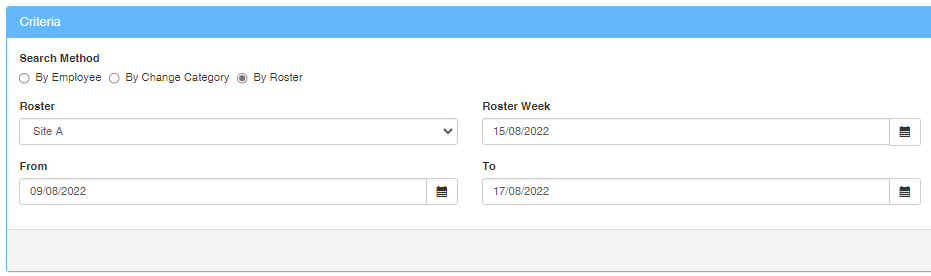
This method allows you to select a specific Roster and Roster Week which are affected.
Results:
The report will show the Date the action was performed (Date), the user who performed the action (User), what the action was (Action), which employee was affected (Employee), the specific change that occurred (Change), what the previous value was (Previous Value) and what the new value is after the change action (New Value).